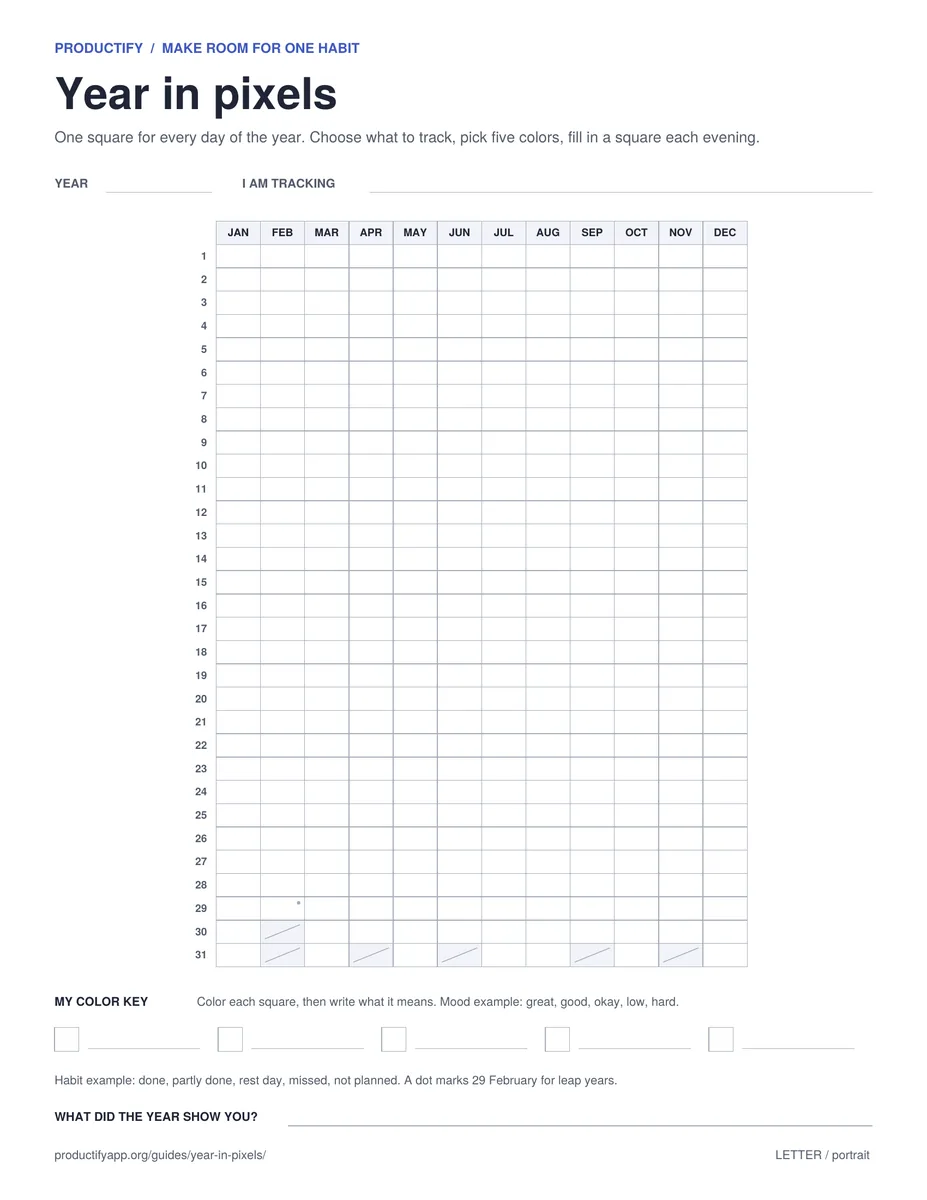
Free year in pixels printable one square for every day.
Color one small square each evening to record your mood, your sleep, or a single habit. Day by day it is a quick ritual. By the end of the year it is a picture of how the year actually went.
A year in pixels is a popular bullet-journal layout: a grid with one square for each day of the year. You choose one thing to record, give each possible value a color, and fill in one square at the end of every day. It takes a few seconds, and after a month or two the colors begin to show patterns, such as better days after exercise or harder weeks at the end of a busy month.
Here is an illustrated example of the first four months of a mood year in pixels:
Jan
Feb
Mar
Apr
Great
Good
Okay
Low
Hard
Illustrated example, not a real person’s data. The run of dark squares in March is the kind of pattern that is easy to see on paper and easy to miss day to day.
What to track in a year in pixels
Pick one thing per sheet. If you want to track two, print two sheets. Here are keys that work well:
For a habit, a year in pixels works best alongside a daily checklist. The 30-day habit tracker helps you start the habit; the year in pixels shows how it held up over months. More ideas are in what habits to track.
How to choose your colors
Use shades of one color. Light to dark is easier to read at a glance than five unrelated colors, and it works better for people with color vision deficiency.
Keep the darkest color for the end you care about most, for example your best days, so good stretches stand out.
Test your pens first. Colored pencils and fine markers work well. Try them in the key squares, and print on thicker paper if markers bleed.
Add patterns if you print in black and white. A dot, a line, a cross, half-filled and filled are five clear values with a single pen.
How to keep filling it in
Link the sheet to something you already do every evening, such as brushing your teeth or plugging in your phone, and keep a pen next to it. If you miss a few days, fill them in from memory or leave them blank and carry on. A few gaps do not spoil the picture.
Once a month, look at the last few columns and ask what the colors have in common. That review is where a year in pixels becomes useful rather than just pretty. If you notice that one habit lines up with better days, the daily habit guide shows how to make it a regular part of your week.
Paper or an app?
A printed year in pixels is great for mood and reflection because it sits in front of you. For the habits themselves, Productify’s streak tracking keeps a calendar of completed days on your iPhone and can remind you to check in. Many people use both: the app for the daily check-in, the sheet on the wall for the big picture.
Year in pixels questions
A year in pixels is a grid with one small square for every day of the year. At the end of each day you color the square to record one thing, most often your mood. After a few months, the colors show patterns you would not notice day to day.
Yes. Write the year, start with today’s square, and leave the earlier days blank. The sheet is undated, so you can also run it from any month to the same month next year.
Mood is the most common choice. Sleep quality, energy, exercise, reading, and a single habit such as a daily walk also work well. Pick one thing per sheet so the colors stay easy to read.
Five is plenty. The sheet has five key slots. Shades of a single color, from light to dark, are easier to read than a rainbow and work better for people with color vision deficiency.
Fill it in from memory if you can, or leave it blank. A blank square is still information. Tie the sheet to something you already do each evening, such as brushing your teeth, to make it easier to remember.
Yes. Download and print it for personal use. No email address, account, payment, or app is required.
Productify keeps a calendar of completed days for each habit on your iPhone, with reminders and streaks. Start free with up to 5 habits. No account required.