Free 2027 habit tracker printable plus undated sheets for any month.
Make a little space for reading, practice, a weekly review, or whatever matters to you. Print a dated sheet for every month of 2027, or an undated monthly or weekly tracker you can reuse. Choose one action and record the days you planned to do it.
2027 dated & undated · A4 & US Letter · No email or account required
Download & print
Choose your habit tracker printable
Choose a format to open its PDF in a new tab. Use the PDF viewer’s Download or Print button to save or print it. Match your paper size and print at actual size or 100%.
New · 2027 edition
2027 monthly habit tracker
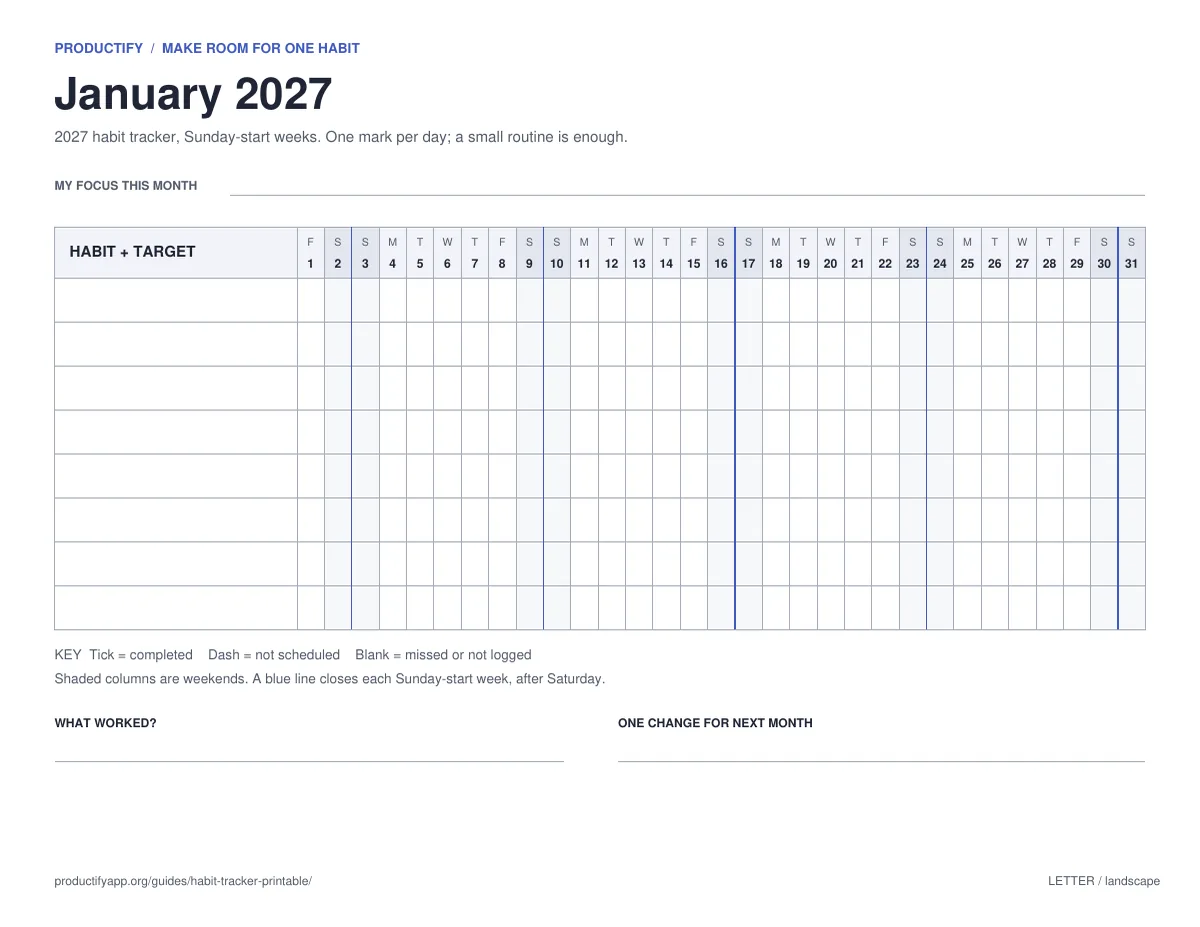
Twelve dated sheets, January to December 2027, in one PDF. Print the whole year, or one month at a time so you can adjust as you go.
Every date shows its weekday; 1 January 2027 is a Friday
Shaded weekends and a blue line at the end of each week
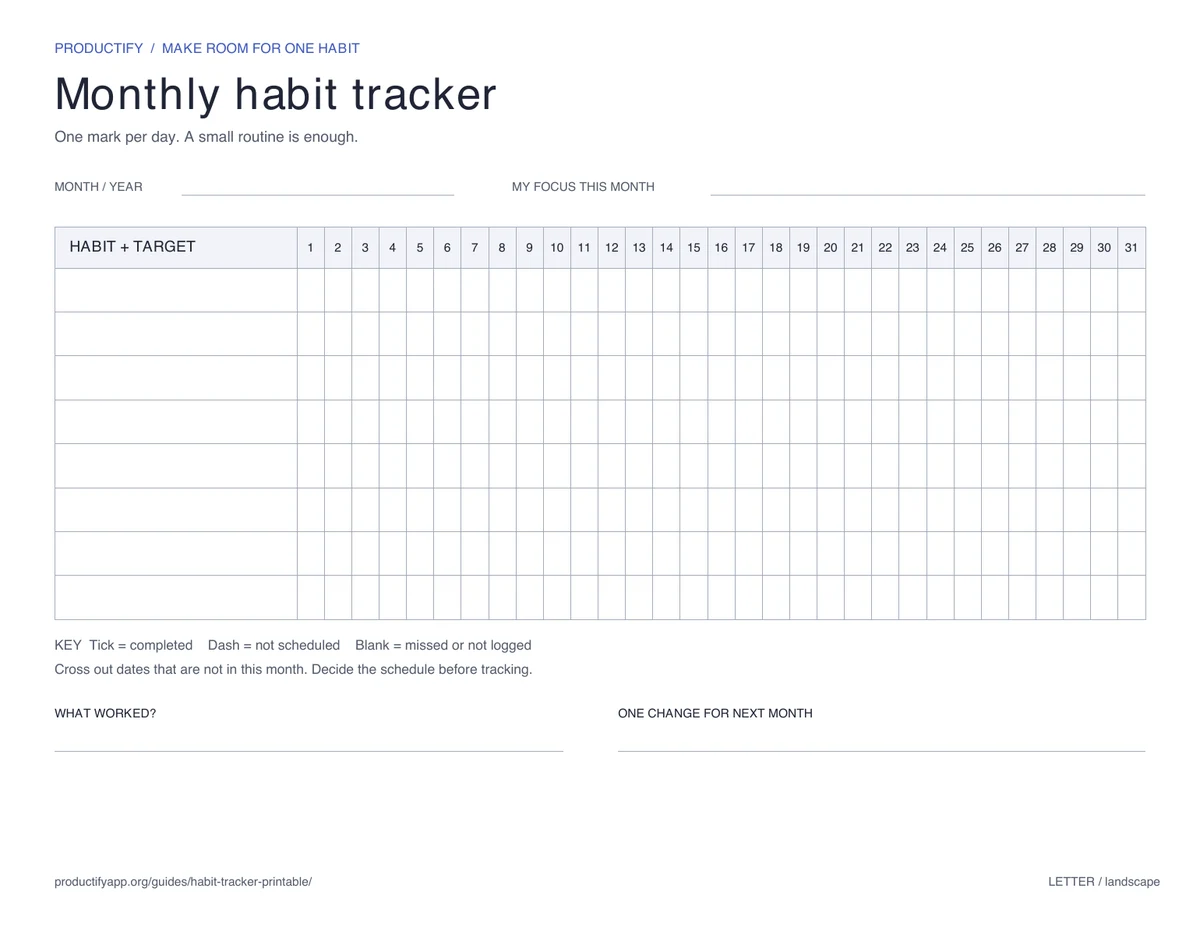
See the month in one grid. Eight rows give you room to choose your habits; you can leave most of them empty. Write your targets, then cross out dates that do not apply.
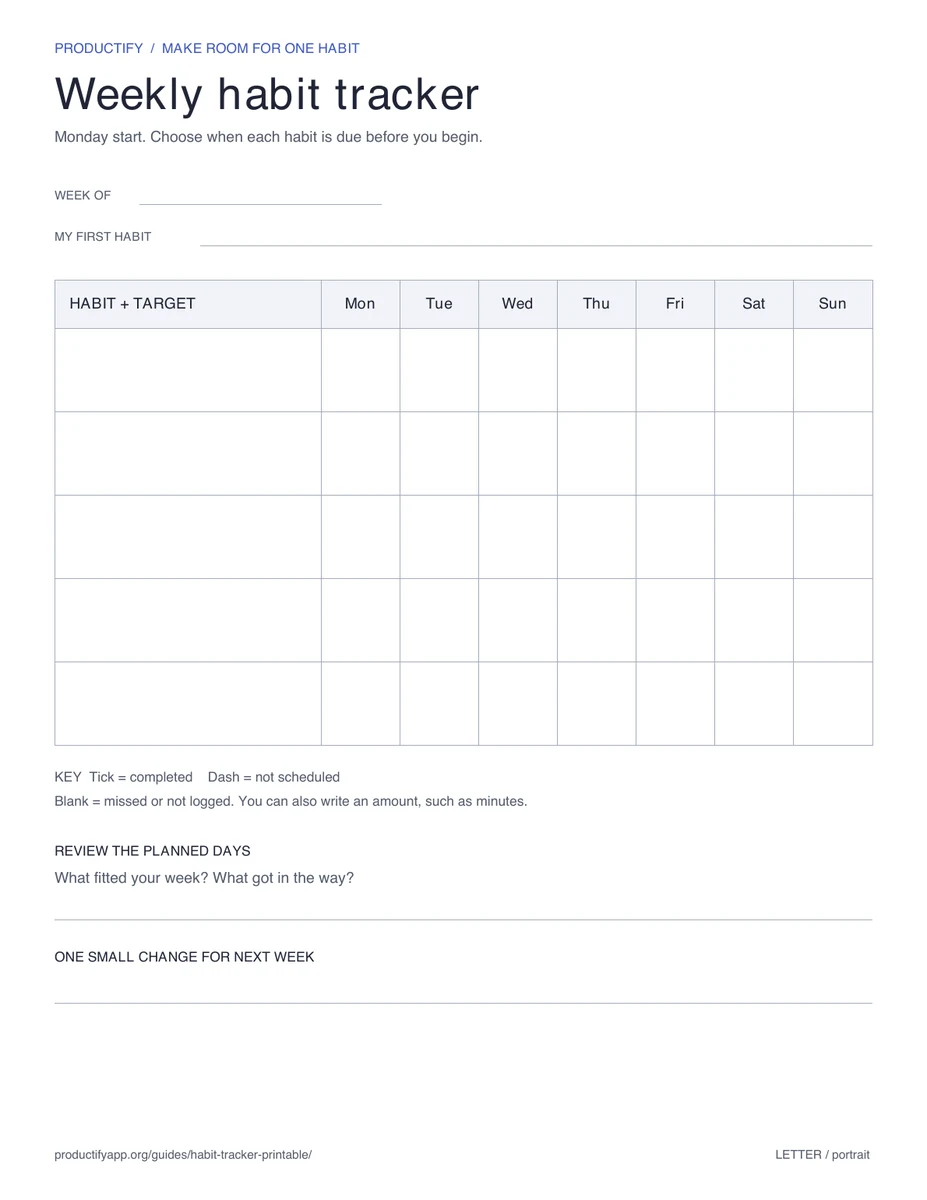
Portrait · Choose either week order · Reprint when you need it
How to print and use your tracker
Match the paper. Select A4 for 210 × 297 mm paper, or US Letter for 8.5 × 11 inches. The monthly page is landscape; weekly pages are portrait.
Check print preview. Use actual size or 100%, with one page per sheet. If your printer clips an edge, select “Fit to printable area.” The sheets work in black and white.
Choose an action and a schedule. Write “read 10 minutes, weekdays” instead of “read more.” Put a dash on days when the habit is not planned.
Record what happened. Tick a completed action, write an amount, or leave a missed session blank. Add a note if you forgot to record it.
Review your planned days. Notice what got in the way and change one thing, such as the target or time, for next week.
Trying one habit for a month? Use the 30-day habit tracker, which starts on any date. For a whole-year view of mood or a habit, try the year in pixels printable, which also has a dated 2027 edition.
Set up your 2027 habit tracker in ten minutes
Pick one to three habits. Eight rows are room to grow, not a target. A short list you keep filling in beats a full sheet you stop using in February.
Write each habit as an action and a schedule. “Walk 20 minutes, weekdays” tells you exactly which boxes count.
Dash the days off before the month starts. The weekday letters make this quick: dash Saturdays and Sundays for a weekday habit, or every day except Monday, Wednesday and Friday for a three-times-a-week habit.
Keep the sheet where you will see it. On the fridge, by your desk, or inside a notebook you open every day, with a pen next to it.
Review on the last day of the month. Note what worked and one change, then print the next month with that change already written in.
Starting after 1 January is fine. Begin at today’s date and leave the earlier boxes empty; a sheet that starts on the 14th is still a complete record of the days you tracked.
What a completed habit tracker looks like
This example mixes weekday reading, skill practice on three days, and a Sunday review. A useful record does not need to be a perfect row of ticks.
A worked example, not a real user's results. Tick = done; dash = not scheduled; blank = missed.
Habit and schedule
Mon
Tue
Wed
Thu
Fri
Sat
Sun
Read 10 minutes Weekdays
✓
✓
✓
✓
—
—
Practice a skill Tuesday, Thursday, Saturday
—
✓
—
—
✓
—
Review the week Sunday
—
—
—
—
—
—
✓
Reading was completed on 4 of its 5 planned days; practice on 2 of 3. Days off do not count as misses. In this example, the blank cells are known missed sessions. If you simply forgot to log, leave a note rather than guessing what happened.
The next week's change could be moving Thursday's practice to a more convenient time. Keep the change small enough to see whether it helps.
Paper or a habit tracker app?
Paper gives you a record you can keep on your desk, fridge, or inside a notebook. You can tally completion and spot patterns yourself. An app can add reminders and progress views when you want them.
Productify's habit tracking app supports daily and weekly routines on iPhone, with measurable goals and completion history. The free plan includes up to 5 habits and 5 starter templates. The PDFs work independently of the app; choosing paper is a complete way to use this resource.
Yes. The 2027 edition is one PDF with a dated sheet for each month, January to December 2027. Every date shows its weekday, weekends are shaded, and a blue line marks the end of each week. Choose A4 or US Letter, with a Monday or Sunday start.
Yes. Download and print the PDFs for personal use. No email address, account, payment, or Productify app is required.
Use US Letter for 8.5 × 11 inch paper, commonly used in the US. Choose A4 for 210 × 297 mm paper, commonly used in the UK and Australia. Match the PDF size to the paper in your printer.
Yes. On a 2027 sheet, start at today’s date and leave the earlier boxes empty. On the undated sheet, write the month and year, cross out dates before you started, and mark any dates that do not exist in that month.
Yes. The 2027 monthly tracker and the weekly tracker both come in Monday-start and Sunday-start versions, in A4 and US Letter. On the 2027 sheets, the week start decides where the blue end-of-week lines fall. The undated monthly tracker uses dates 1–31, so it works with either convention.
Start with one to three. The eight rows are room to grow, not a target: a short list you keep filling in is more useful than a full sheet you stop using. Add a habit once the first ones feel routine.
You can, but printing one month at a time lets you adjust as you go. At the end of each month, read your review notes, decide on one change, and print the next page. Most PDF viewers let you choose a page range in the print dialog.
Leave the cell blank or add a note. Use a dash for a day that was not scheduled, so time off is different from a missed session. Resume at the next planned opportunity and review whether the target or timing needs adjusting.
These are print-ready sheets designed for handwriting, without interactive form fields. You can also annotate them in a PDF app that supports drawing or text.
When you want reminders
Put the same routine on your iPhone.
Productify adds reminders, measurable goals, and habit history. Start free with up to 5 habits and 5 starter templates. No account required.