
How to Track Habits on iPhone: 5 Free Ways
Your iPhone already has more habit tracking built in than most people use. Here is what each option is good for, and when a dedicated tracker earns its place.
You don’t need to download anything to start tracking a habit on your iPhone. Reminders, the Health app and Journal each cover part of the job. None of them was designed as a habit tracker, though, so each leaves something out. Choose by the habit, not by the app.
Which option fits your habit?
| Your habit | Free option on iPhone | What you won’t get |
|---|---|---|
| Any daily or weekly action: read, stretch, practice | Reminders, with a repeating reminder | A streak or completion history |
| Vitamins, supplements, anything you take on a schedule | Health › Medications | A home for other habits |
| A daily mood check-in | Health › State of Mind | Anything besides mood |
| Walking more | Health, which counts steps automatically | A daily tick; you read the number instead |
| Journaling | Journal, which shows streaks | Other habits |
| Several habits, a few times a week, or amounts such as minutes | A habit tracker app | Nothing on this list, but it is one more app to install |
1. Reminders: the quickest way to track any habit
Reminders works for almost any habit, because a repeating reminder is just an action, a time and a schedule.
- Create a list called Habits in the Reminders app, so habits don’t mix with errands.
- Add one reminder per habit, written as an action with a minimum: “Read 10 pages” rather than “Read more.”
- Make it repeat. Tap the info button, turn on Date and Time, tap Repeat, and choose Daily, Weekdays or Custom to pick specific days. In iOS 27, Repeat also appears in the options box under a reminder while you type.
- Tick the circle when it’s done. The reminder moves on to the next scheduled day.
- Add the Reminders widget to your Home Screen and point it at the Habits list, so you see what’s left without opening the app.
Where it falls short: Reminders shows what is due, not how you have been doing. Completed items stay hidden unless you choose Show Completed, there is no streak or chart, and a skipped day shows up as an overdue reminder rather than as a gap in a record. It also can’t express “three times a week, any days”; you have to pick fixed days. That gap is the core of the habit tracker vs to-do list difference.
2. Health › Medications: vitamins and supplements
The Medications feature in the Health app isn’t only for prescriptions. Apple says you can add vitamins and supplements the same way, which makes it a capable tracker for a habit such as “vitamin D with breakfast.”
- Schedule: set the time of day, specific days of the week or a repeating cycle, with optional start and end dates. Specific days and cycles need iOS 18 or later.
- Reminders: turn on Dose Reminders. If you haven’t logged a dose, a follow-up alert arrives 30 minutes later.
- Logging: go to Health › Browse › Medications, tap the plus button next to an item, and choose Taken or Skipped.
- History: tap an item to see how often you took or skipped it.
Where it falls short: it only makes sense for things you take. For prescribed medicines, treat the log as a record, not a substitute for your doctor’s or pharmacist’s instructions.
3. Health › State of Mind: a daily mood check-in
If the habit is noticing how you feel, the Health app has a mood log built in (iOS 17 or later). Go to Health › Browse › Mental Wellbeing and set up State of Mind logging. Each entry is either a momentary emotion or your mood for the whole day, on a slider from unpleasant to pleasant, with optional labels for what is affecting you, such as work or fitness. Reminders default to midday and evening, and you can change the times. Past entries are under Summary › State of Mind, with Show in Charts for the bigger picture.
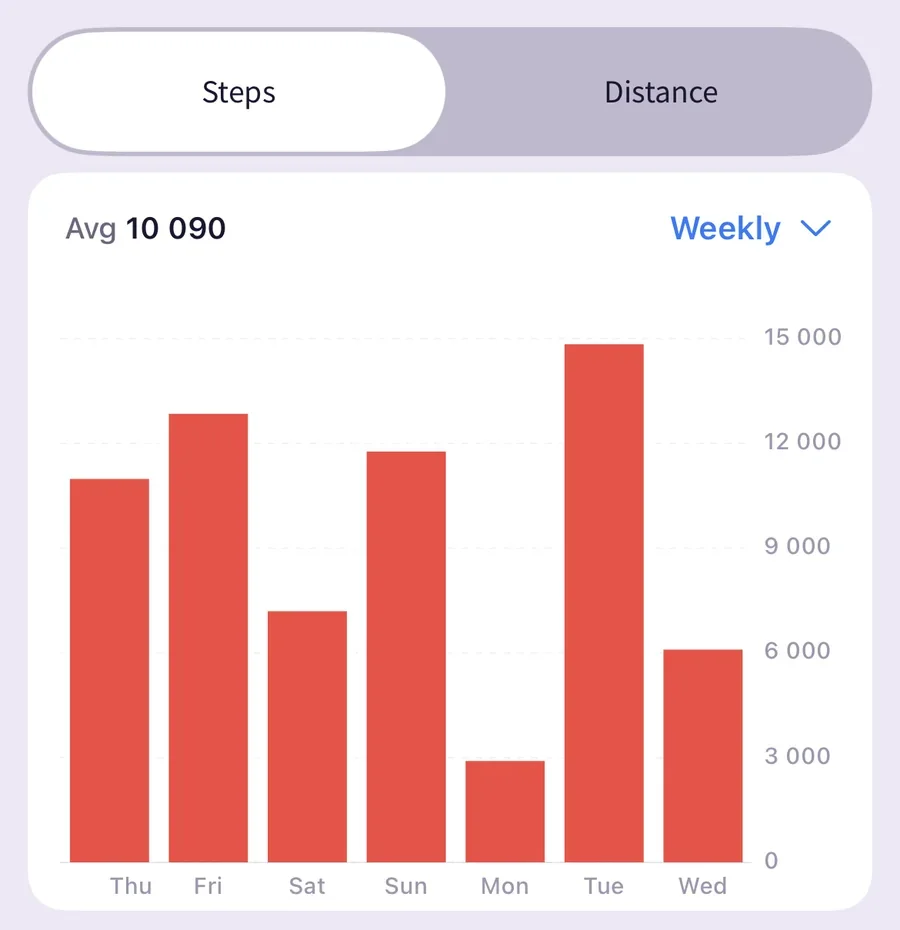
Steps work without any logging at all: Health counts them from your iPhone’s motion data. If your habit is walking more, “check today’s steps in the evening” can be the whole system.
Where it falls short: you get charts of mood and steps, not a tick for a habit, and nothing links a good day to the habit behind it unless you add a note.
4. Journal: a streak for a writing habit
Apple’s Journal app (iOS 17.2 or later) tracks a streak for journaling itself. Its Insights show your current streak, the number of entries, words written and a calendar of the days you wrote, and it can send a notification to help you keep a streak going. In iOS 27 you can set the streak to daily, weekly or automatic, which matters if you are aiming for three entries a week rather than one a day.
After an entry, you can log how you feel, and Journal saves it to Health as well. Time spent journaling can also count as mindful minutes in Health.
Where it falls short: it tracks one habit, writing.
5. A habit tracker app: every habit in one place
The built-in options spread your habits across three apps, and only Journal shows a streak. A habit tracker earns its place when you want:
- one list with every habit you are building, checked off with a tap;
- a streak and a full history for each habit, so a good month stays visible after a missed day;
- a weekly target, such as “strength training three times a week, any days”;
- an amount instead of a tick, such as 20 minutes or 8 glasses of water;
- reminders and a Home Screen widget for each habit.
Productify is our app, so read this paragraph with that in mind. It covers the list above: it is free for up to 5 habits with no account, with per-habit reminders, streaks with your personal best and full history, weekly targets, measurable goals with a built-in timer, and widgets. A missed day ends the current streak count, but every completed day stays in your history. Compatible activities such as walking or exercise time can optionally come from Apple Health. Pro adds unlimited habits, Habit Duo for one shared habit with a friend, and the AI Habit Analyser.
Whichever app you try, check two things first: whether a missed day wipes your history, and whether you need an account just to start.
Give each habit one home
Mixing options is fine, as long as each habit lives in one place. One reasonable setup: supplements in Medications, mood in State of Mind, writing in Journal, and the one to three habits you are actively building in a single tracker. Logging the same habit in two apps doubles the effort, and the duplicate is usually the first thing to lapse.
Whatever you use, review it weekly
A record helps most when you look back at it. Across 138 studies, a 2016 meta-analysis by Harkin and colleagues found that prompting people to monitor their progress improved goal attainment on average. It doesn’t show that any particular app, or streaks in general, will work for you.
Once a week, open whatever you use and ask what got in the way on the days you missed. How to use a habit tracker walks through a first-week review, and how to build habits that stick helps you decide what to change. If you would rather keep part of it on paper, the free printable habit trackers pair well with any of the options above.
Sources and limits
- Apple Support: Add and log medications with iPhone, iPad, and Apple Watch: vitamins and supplements, schedules, Dose Reminders, logging and history.
- Apple Support: Use Reminders on your iPhone: completing reminders, Show Completed and the Reminders widget.
- iPhone User Guide: Journal for your wellbeing: logging state of mind from Journal and mindful minutes.
- 9to5Mac on Journal in iOS 18 and in iOS 27: Insights, streaks and streak settings.
- 9to5Mac on Reminders in iOS 27: the in-list options box with Repeat.
- Harkin et al. (2016): meta-analysis on progress monitoring and goal attainment.
Steps and menu names reflect iOS 26 and iOS 27 as of October 2026. Apple renames menus between versions, so the exact path may differ on your iPhone.
Frequently asked questions
Not a dedicated one. Reminders, the Health app (Medications and State of Mind) and Journal each cover part of a routine, and Journal shows a streak for journaling. To see several habits with streaks and history in one place, you need a habit tracker app.
Yes. Create a repeating reminder for each habit and tick it off when you have done it. Reminders does not show a streak or a completion history, and a skipped day stays on the list as an overdue reminder.
Add a widget. The Reminders widget shows a list such as Habits, Journal has a widget for its streak, and most habit tracker apps, including Productify, offer widgets too.
It records some things without any logging, such as steps from your iPhone’s motion sensors. Most habits still need a manual entry: supplements in Medications, mood in State of Mind. Some habit tracker apps, Productify included, can optionally read compatible activities such as walking or exercise time from Apple Health.
Reminders, Health and Journal are built in and free. Many habit tracker apps also have a free plan; Productify is free for up to 5 habits, with no account required.