
Habit Tracker vs To-Do List: Which Do You Actually Need?
Most people mix tasks and habits in the same app, then wonder why their system feels messy. A to-do list is great for things you finish once. A habit tracker is better for routines you want to repeat. The difference matters because each tool rewards a different kind of progress.
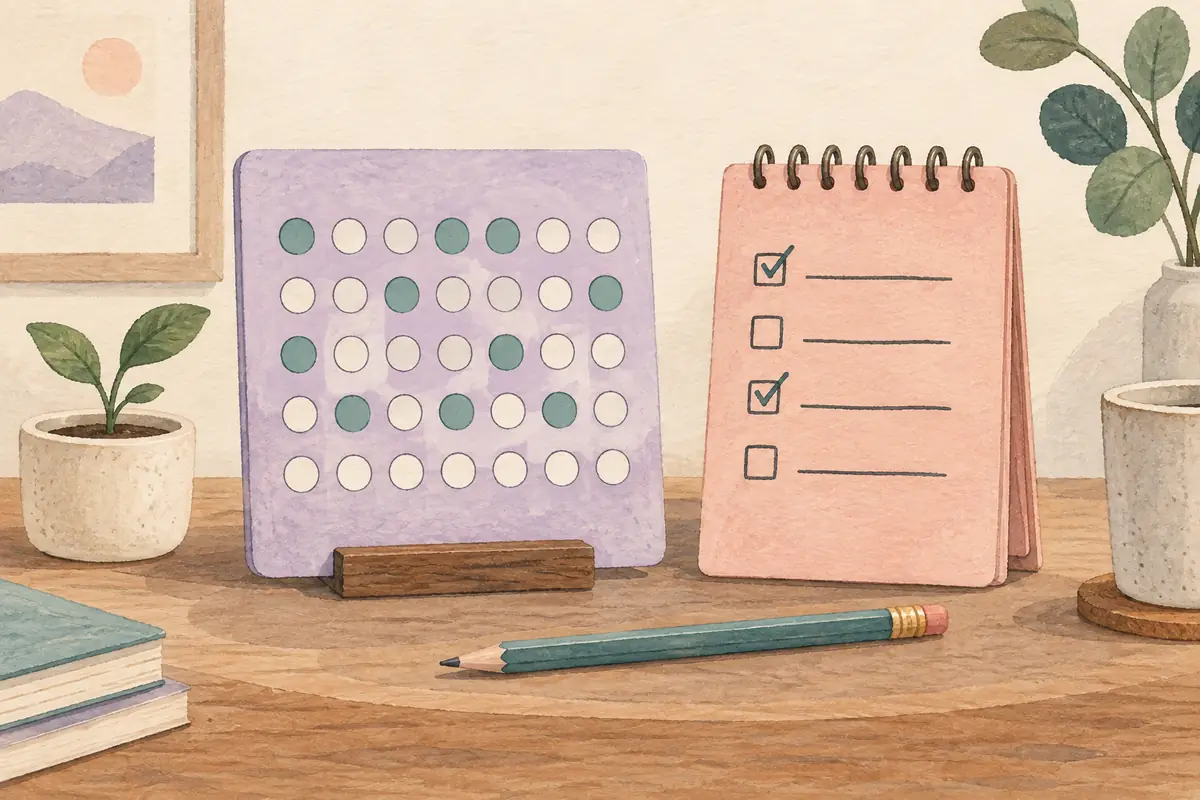
Quick answer
Use a to-do list for one-time tasks with a clear finish line. Use a habit tracker for behaviors you want to repeat consistently over time. If completing it makes it disappear, it belongs in a to-do list. If completing it means you need to do it again tomorrow, it belongs in a habit tracker.
The core difference
The clearest way to understand the difference: a to-do list tracks tasks you need to complete once. A habit tracker tracks behaviors you want to repeat on a schedule.
"Submit the quarterly report" goes on a to-do list. Once it's done, you cross it off and never see it again. "Read for 30 minutes" belongs in a habit tracker. You'll do it again tomorrow, and the day after, and the tracker helps you build consistency. If you're setting one up for the first time, see how to use a habit tracker. For habit ideas, see what habits to track.
The simple rule: If you only need to do something once, use a to-do list. If you want to do it regularly, use a habit tracker.
What a to-do list is actually for
To-do lists excel at capturing discrete, one-off tasks with deadlines: things that have a clear definition of "done" and don't need to be repeated. They work with project management, meeting prep, shopping, and admin tasks.
- One-time tasks: book flight, send invoice, reply to client email
- Project milestones: finish chapter 3, deploy feature, design mockup
- Errands with deadlines: pick up prescription, schedule appointment
- Checklists: packing lists, pre-meeting prep, launch checklists
The satisfaction of a to-do list comes from completion: the task disappears when done. That's a mismatched psychology for habits, where the goal isn't to finish, it's to keep going.
What a habit tracker is actually for
A daily habit tracker is designed for behaviors you want to perform repeatedly, on a schedule, usually daily or weekly. Instead of crossing items off, you mark them as done each day, building streaks that become their own source of motivation.
- Daily routines: morning walk, journaling, meditation, cold shower
- Health behaviors: hydration, sleep consistency, vitamin supplements
- Skill building: language practice, instrument, coding, writing
- Wellness habits: no social media before 9am, stretching, breathwork
- Measurable goals: 10,000 steps, 45-minute focus session, 8 glasses of water
The key advantage of a habit tracker is what it adds around the behavior: smart reminders to nudge you at the right moment, streak tracking to build momentum, and progress visualization that makes long-term effort visible.
Putting daily habits into a to-do list is a common mistake. The habit "exercise for 30 minutes" clutters your task list, rolls over every day when not completed, and creates a false sense of backlog. It's not a task, it's a routine, and it needs a different tool.
Key indicators
The shortcut: If the task would still exist tomorrow unchanged, it's a habit. If completing it means it's gone, it's a to-do.
| Situation | Use a to-do list | Use a habit tracker |
|---|---|---|
| "I need to send this email" | ✓ | |
| "I want to exercise 5x per week" | ✓ | |
| "I have a project deadline Friday" | ✓ | |
| "I want to meditate every morning" | ✓ | |
| "I need to renew my passport" | ✓ | |
| "I want to read 10 pages a day" | ✓ | |
| "I want to reduce screen time" | ✓ | |
| "I need to call my accountant" | ✓ |
Side-by-side comparison
| Feature | To-Do List | Habit Tracker |
|---|---|---|
| Best for | One-time tasks & projects | Recurring daily routines |
| Completion model | Task disappears when done | Resets each day, streaks build |
| Motivation mechanism | Crossing things off | Streaks, progress, reminders |
| Reminders | Deadline-based | Time-of-day, per habit |
| Long-term tracking | No (tasks are ephemeral) | Yes, completion history & patterns |
| Examples | Submit report, book tickets | Read daily, exercise, hydrate |
Can you use both?
Yes, and many people do. They're complementary tools, not competitors. The key is keeping them separate.
A common and effective setup: use a to-do list app (Todoist, Things, Apple Reminders) for projects and one-off tasks, and use a dedicated habit tracker app like Productify for your daily routines. Your morning check-in takes 10 seconds in the habit tracker; your project work lives in the task manager.
The mistake is trying to do both in one tool. If you put daily habits in your to-do list, they pile up, roll over, and eventually get ignored. If you put one-time tasks in your habit tracker, you can mix completion history in a way that is harder to read at a glance. When the two roles blur, the workflow usually gets noisier.
Which one do you need?
Ask yourself one question: do I want to do this once, or every day?
- If once → to-do list
- If repeatedly → habit tracker
- If both → use both, separately
If you've been struggling to "stick to" a habit that you put on a to-do list (daily exercise, reading, journaling), the tool mismatch is likely part of the problem. A dedicated habit tracker like Productify is built for recurring behaviors, streaks, reminders, measurable goals, and long-term consistency. For habits that last, see how to build habits that stick. For a wider landscape view, see our best habit tracker apps guide.
Bottom line: You probably need both, but for different things. Keep one-off work in a to-do list and repeating behaviors in a habit tracker. When those roles blur, both views tend to get noisier and less reliable.
Summary
| To-do list | Habit tracker | |
|---|---|---|
| Purpose | Manage tasks with endpoints | Build repeating behaviors |
| Completion | Done and removed | Done and repeated tomorrow |
| Tracking focus | What to do | Whether you did it consistently |
| Best metric | Number of completed tasks | Streak, completion rate, pattern |
| Examples | Email, project tasks, errands | Exercise, meditation, reading |
If you already use a to-do app for tasks, Productify can sit beside it as your dedicated habit tracker for routines, streaks, reminders, measurable goals, and long-term consistency.
Download Productify: free to start on iPhone, no account required.
FAQ
No. A to-do list is for tasks you complete once. A habit tracker is for behaviors you repeat over time.
You can, but it often creates clutter because habits come back every day. A habit tracker is better for seeing streaks, completion rates, and long-term patterns.
Yes. Use a to-do list for tasks and projects, and use a habit tracker for routines like exercise, reading, hydration, or meditation.
No. Productify is a habit tracker for recurring routines, streaks, reminders, measurable goals, and long-term habit consistency.
Track routines you want to repeat, such as exercise, reading, water, meditation, sleep schedule, language practice, or journaling.
